Quick summary: OysterVPN includes basic security features such as AES-256 encryption, a kill switch, and a no-logs policy. Its biggest advantage is the low price and the option of a lifetime subscription. On the other hand, it has a small server network and no independent security audit.
What is OysterVPN?
OysterVPN is a VPN service based in Dublin, Ireland, that started operating in 2023. It is a relatively young company trying to compete with established players such as NordVPN and Surfshark.
The service is operated by OYSTER DIGITAL SOLUTIONS LIMITED and focuses on providing an affordable VPN solution for everyday users. Unlike large competitors, it does not have thousands of servers, but it tries to focus on the quality of core features.
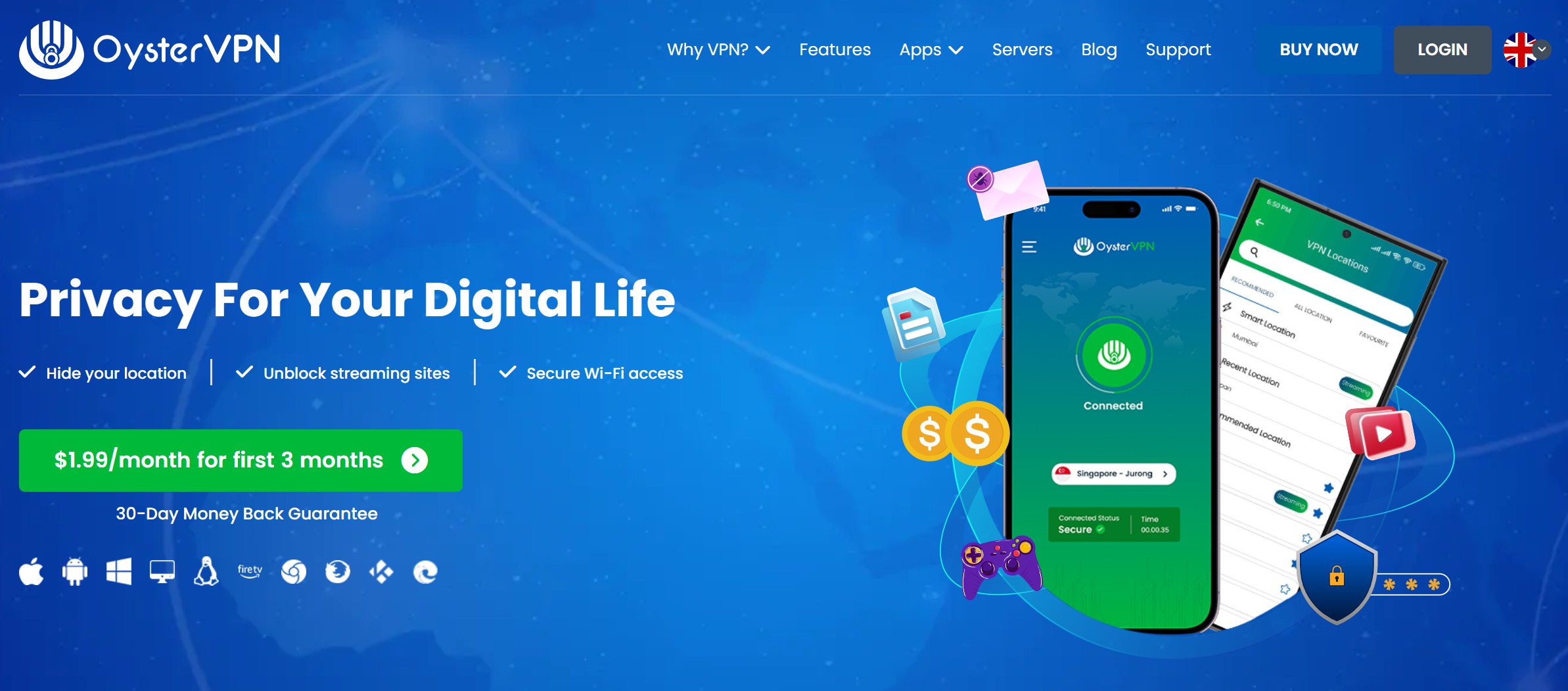
OysterVPN offers apps for Windows, macOS, iOS, Android, Linux, and Fire TV. It also supports Chrome, Firefox, and Edge through browser extensions.
Pricing and plans
OysterVPN is one of the more affordable VPN services on the market. I checked the current pricing offers and compared them with the competition.
OysterVPN pricing plans (April 2026):
Monthly plan: $5.99 per month (around €5.60). At the moment, you also get 2 extra months free, which is an interesting offer for users who first want to test the service.
Annual plan: $29.99 for a full year (around €28), which works out to roughly €2.33 per month. This plan offers the best price-to-performance ratio.
Lifetime plan: A one-time payment of $52–70 (around €49–65). This option is interesting if you plan to use a VPN long term. However, the company is young, so there is no guarantee how long it will operate.
All plans include the same features — unlimited data, kill switch, ad blocker, access to all servers, and support for 5–10 devices at the same time (different sources state different numbers).
The company accepts card payments (Visa, Mastercard, American Express, Discover) and PayPal. Unfortunately, it does not support cryptocurrency payments, which may be a disadvantage for some privacy-focused users.
Tip: You can find all current discounts and coupons in the discounts section.
Features and specifications
OysterVPN offers a solid package of basic and advanced features. I tested each of them for you, and here is my assessment.
Security and encryption
The service uses AES-256 encryption, which is considered a military-grade standard. This encryption is strong enough to protect your data from hackers and surveillance.
OysterVPN supports several VPN protocols — WireGuard, OpenVPN, IKEv2/IPSec, L2TP/IPSec, and PPTP. I personally recommend WireGuard or OpenVPN because they offer the best combination of speed and security.
Kill switch and leak protection
The app includes a kill switch that automatically cuts your internet connection if the VPN connection fails. I tested this feature and it worked reliably.
The service also includes DNS leak protection, which ensures that your DNS requests do not leak outside the VPN tunnel.
RAM-only servers
OysterVPN recently moved to RAM-only servers, which means all data is wiped every time a server restarts. This is an important security improvement that reduces the risk of data leaks.
Split tunneling
Split tunneling is available on Windows and Android devices. It lets you choose which apps use the VPN and which connect directly.
I tested this function and it worked well — I could stream foreign content through the VPN while local services worked through my direct connection.
Ad blocker and DDoS protection
The built-in ad blocker automatically blocks ads and pop-ups. During testing, it removed most ads, although some still got through.
DDoS protection is an interesting feature for gamers. OysterVPN actively monitors and filters malicious traffic across its servers.
Server network
OysterVPN operates around 350 servers in 30+ countries. That is significantly less than the competition — NordVPN, for example, has 7,100+ servers in 118 countries.
The servers are located mainly in Europe and North America. Some important locations such as Germany, Italy, and Portugal are missing. For users in South America and Africa, the choice is very limited.
No-logs policy
OysterVPN declares a strict no-logs policy — it does not record your IP address, browsing history, downloaded files, bandwidth usage, or connection times.
The problem is that this policy has not been independently audited, which is standard among established VPN services. For comparison, NordVPN has had its no-logs policy audited four times.
P2P and torrenting support
All OysterVPN servers support P2P traffic and torrenting. You do not need to limit yourself to special servers.
I tested BitTorrent downloads, and speeds were decent, especially on European servers. Over long distances, however, speed dropped noticeably.
Pros
- Low price: One of the cheapest VPN services, with an annual plan for around €28 and a lifetime subscription option
- WireGuard protocol: A modern protocol that provides good speed and security
- RAM-only servers: Better security thanks to servers without persistent storage
- Simple app: Intuitive interface suitable even for beginners
- Streaming: Works with Netflix US, Max (HBO), BBC iPlayer, and other services
- DDoS protection: Useful for online gamers
- P2P support: Torrenting works on all servers
- 30-day money-back guarantee: You can test the service without risk
- Fast customer support: Reviews suggest it responds quickly and effectively
Cons
- Small server network: Only 350 servers in 30+ countries compared with thousands from competitors
- No independent audit: The no-logs policy has not been independently audited
- Slower over long distances: Speed drops when connecting to distant servers
- Streaming issues: According to some tests, it does not work with Hulu and Disney+
- Does not work in China: It does not support obfuscation needed to bypass the Chinese firewall
- Limited payment methods: No cryptocurrency payments
- Young company: No long history or proven reputation yet
- Split tunneling only on Windows/Android: Missing on macOS and iOS
- Server instability: Some users report occasional outages
My experience
I tested OysterVPN for two weeks on different devices and in different scenarios. Here are my personal findings.
Installation and setup were extremely simple. I downloaded the Windows app directly from the website, installation took about a minute, and after logging in I was ready to go.
The interface is clean and intuitive. On the main screen, you see the connection status and server list. On the left, there is a menu with settings and account information. I appreciated that streaming servers are clearly marked.
Speeds pleasantly surprised me on nearby servers. Connecting to a London server caused only a small speed drop — from my original 95 Mbps to 80 Mbps. Streaming 4K content worked without issues.
When testing distant servers, however, I noticed a significant drop. The Tokyo server reduced my speed to 60 Mbps and ping jumped to 154 ms. It was still enough for normal browsing, but not ideal for gaming.
Streaming worked well with Netflix US, Max, and BBC iPlayer. Content loaded quickly and streamed in full quality. I also tried Disney+, but there I ran into issues — some servers worked, others did not.
The kill switch was tested by forcibly disconnecting the VPN, and it immediately cut the internet connection, exactly as it should.
Customer support responded quickly to my live chat request. The reply came within 2 minutes, which surprised me. The agent was helpful and solved my macOS connection issue.
Overall, I am satisfied with the performance for the price, but I miss more servers in Europe and an independent security audit.
User reviews
I collected real user reviews from Trustpilot and other platforms. Overall, OysterVPN has mixed ratings.
Positive reviews mainly praise the price and speed of customer support. One user wrote: “Great product, works better than I expected, this is probably the best price-to-value VPN on StackSocial.”
Another satisfied customer said: “I have been using OysterVPN for some time and could not be happier. It is fast and helped me secure my privacy online.”
Negative reviews focus mainly on technical problems. One user reported: “I bought a subscription and had issues almost every week. Their site kept interrupting during login.”
Another user complained: “Servers are offline and cannot connect, updates are nonexistent. Poor app and infrastructure quality.”
The positive side is that customer support actively engages and solves problems. One user said: “I had an issue connecting on iPhone, but the support team helped me and after a few hours everything worked.”
Based on my review analysis, most problems relate to occasional server outages and compatibility with newer operating system versions. The company, however, seems to address these issues fairly quickly.
Alternatives
If OysterVPN has not convinced you, or you want a more proven solution, here are three strong alternatives.
NordVPN
NordVPN is one of the fastest and most secure VPN services on the market. I tested this service for you and can confirm that it offers significantly better performance than OysterVPN.
Pricing starts at €3.09 per month on a 2-year plan, which is still affordable considering what you get. You get 7,100+ servers in 118 countries, a huge difference compared with OysterVPN’s 350 servers.
NordVPN has had its no-logs policy audited multiple times and uses its own NordLynx protocol, which delivers excellent speeds. Streaming works smoothly with all major platforms including Netflix, Disney+, Hulu, and Amazon Prime.
Compared with OysterVPN, NordVPN is more expensive, but you get a more proven service with better infrastructure and support. It also offers a 30-day money-back guarantee.
Surfshark
Surfshark is my preferred choice for users on a limited budget. With a 2-year plan, pricing starts at €1.99 per month, which is comparable to OysterVPN.
A major advantage is unlimited devices on one account. While OysterVPN supports 5–10 devices, Surfshark has no limit. This is ideal for larger households or for sharing an account with family.
The network of around 4,500 servers in 100 countries is significantly larger than OysterVPN’s. Surfshark also offers more advanced features such as Multihop, Camouflage Mode, and NoBorders mode for users in restrictive countries.
In direct comparison with OysterVPN, Surfshark offers a better price-to-performance ratio, especially if you need to protect more devices.
ExpressVPN
ExpressVPN is a premium VPN service priced from €2.79 per month on a 2-year plan. It is more expensive than OysterVPN and Surfshark, but it offers the best user experience.
The app is extremely intuitive and easy to use, which less technical users will especially appreciate. ExpressVPN has servers in 105 countries and its own Lightway protocol optimized for speed.
Streaming and torrenting work flawlessly. ExpressVPN unlocks all major streaming platforms, including those OysterVPN struggles with. It also offers the Keys password manager on all plans.
Compared with OysterVPN, ExpressVPN is significantly more expensive, but you get reliability, speed, and proven security. It is the best choice if quality and ease of use matter more to you than price.
Tip: you can find all compared VPNs in our article on the best VPNs.
Support and contact
OysterVPN offers several customer support options, all of which I tested.
Live chat is available 24/7 and works very well. I tested it at different times and always received a reply within 2–5 minutes. Agents are helpful and solve issues efficiently.
One Trustpilot user even wrote: “I tested the chat feature at different times of the day and night and the response was almost instant. I almost thought I was talking to a bot because the replies were so fast.”
Email support is available at support@oystervpn.com. Replies usually arrive within 24 hours.
Phone support is available at +353 1 578 9640 (Ireland) or +1 415 217 7219 (USA).
The positive side is that support responds quickly and is genuinely useful. Some users, however, reported that contact information is hard to find on the website.
Guides and documentation are available directly in the app and on the website. They include basic setup instructions and common troubleshooting steps.
Summary and rating
After thoroughly testing OysterVPN, here is my final rating.
Overall rating: 6.5/10
OysterVPN is a decent VPN provider for beginners and budget-conscious users. It offers basic security features, a friendly price, and works with the most important streaming services.
I recommend it for:
- Users on a limited budget looking for a cheap VPN solution
- Beginners who need a simple and intuitive interface
- Streaming Netflix and Max (HBO) abroad
- Basic privacy protection on public Wi-Fi networks
- Torrenting and P2P downloads in Europe and North America
- Users who mainly connect to nearby servers
I do not recommend it for:
- Users in China or other restrictive countries
- Demanding users who need audited security
- Users in South America and Africa due to limited servers
- Professionals requiring consistently high speeds
- Users who stream Hulu or Disney+
- Users who need advanced features such as double VPN
Final verdict: OysterVPN is an interesting choice for everyday users who want to save money. For the price, you get a solid product with reasonable features. The problem is that for only a little more money, you can get much stronger services such as Surfshark or NordVPN, with much larger infrastructure and audited security.
If you are willing to take a risk on a young company and a limited server network, OysterVPN can be a good choice. For most users, however, I recommend investing a few more euros per month and choosing a proven solution.
Frequently asked questions
Is OysterVPN safe?
Yes, OysterVPN uses AES-256 encryption and has a no-logs policy. The issue is that this policy has not been independently audited, which is standard among established VPN services. All servers are RAM-only, which improves security.
Does OysterVPN work with Netflix?
Yes, I tested OysterVPN with Netflix US, UK, Japan, and France, and it worked in all cases. Streaming was smooth in 4K quality without buffering.
How many devices can I connect at once?
According to different sources, OysterVPN supports 5–10 simultaneous connections. The official website states up to 10 devices, which is a solid number for most users.
Does OysterVPN have a free version?
No, OysterVPN does not offer a free version or free trial. However, all plans are covered by a 30-day money-back guarantee, so you can test the service without risk.
Can OysterVPN be used for torrenting?
Yes, OysterVPN supports P2P traffic and torrenting on all its servers. You do not need to use special P2P servers. Speeds are good on European servers.
Does OysterVPN work in China?
No, OysterVPN currently does not work in China. It does not have the obfuscation servers needed to bypass the Great Firewall. If you need a VPN for China, consider ExpressVPN or NordVPN.
Can I get a refund?
Yes, OysterVPN offers a 30-day money-back guarantee on all plans. To get a refund, contact customer support through live chat or email.
Is OysterVPN better than NordVPN or Surfshark?
No, OysterVPN is weaker than both NordVPN and Surfshark. It has a smaller server network, no security audit, and weaker long-distance performance. Its only advantage is a slightly lower price, but the difference is not significant.
What is OysterVPN’s lifetime plan?
The lifetime plan costs around €50–65 as a one-time payment. You get lifetime access to the service plus 1TB of cloud storage. Keep in mind that the company is young, so it is not certain how long it will operate.
Does OysterVPN support WireGuard?
Yes, OysterVPN supports WireGuard on Windows, macOS, and iOS devices. Android support was announced, but it was not yet available at the time of testing.




Fair review, especially the China note. For restrictive networks, the key issue is not just price but obfuscation and recent real-world testing. I work with Ronin VPN, so take this as biased, but I’d compare it with the usual options before traveling. Whatever VPN people choose, I’d install it before departure and keep an eSIM or second VPN as backup.